Keep the answer in sight.
Pin figures, instructions, or a reference beside your document. Read and work without switching back and forth.
Capture the detail you need and keep it above your apps. Mark it up, copy its text, or record an explanation—all with Pinaura for Windows.
See local price in Microsoft StoreOne-time purchase. No subscription.
Price and availability vary by region. Microsoft Store shows your final price.
A number to check. Feedback to explain. A reference to keep close. Give the useful part of your screen a place beside your work.
Pin figures, instructions, or a reference beside your document. Read and work without switching back and forth.
Point to the problem, highlight the change, and add a short note. Copy your marked-up screenshot into the conversation.
Copy text or tables from a screenshot. Search recognized text in your local library when you need the capture again.
Take a closer look at the real app. From the first capture to the final explanation, your tools stay close.
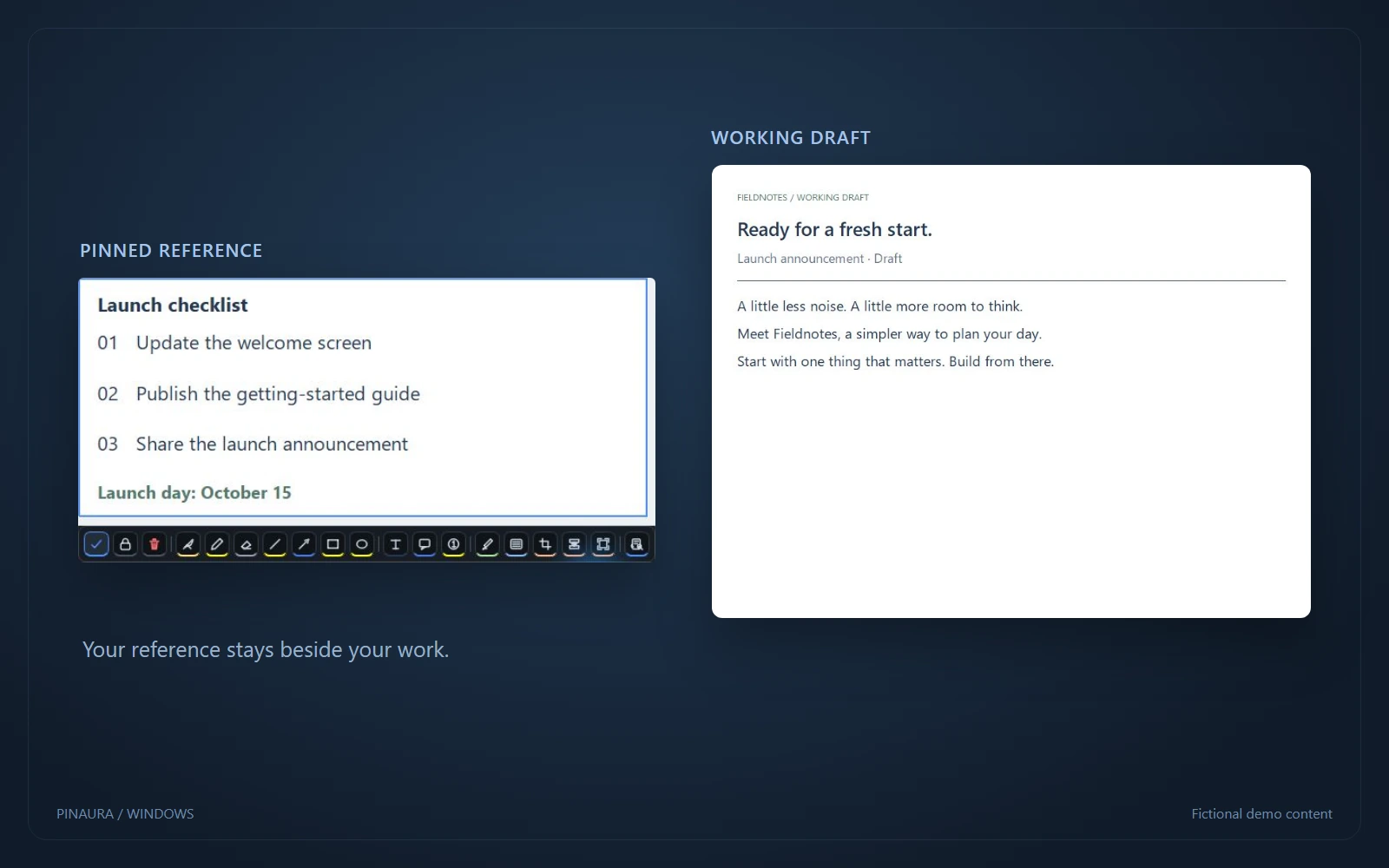
Keep a checklist, a figure, or a reference above your other apps. Read and work without switching back and forth.
Capture a region, a window, or a screen with the recording HUD, cursor focus, an optional camera bubble, and annotation tools right underneath. Perfect for explaining something quickly.
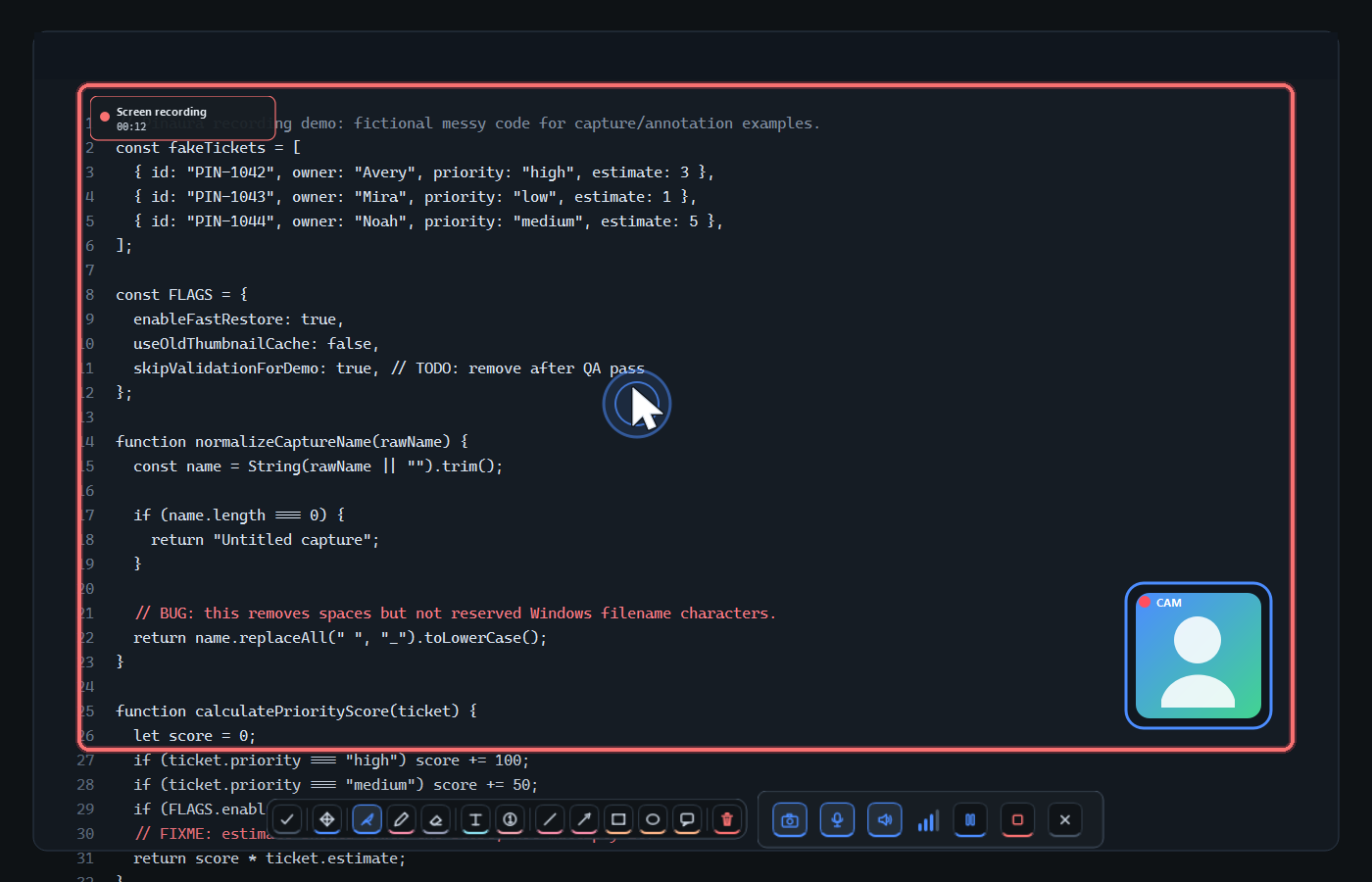

Lock the annotation toolbar when you want it to stay visible while you keep marking up the capture.
Change annotation color, stroke size, text size, and tool style directly from the toolbar while you work.

Tune shortcuts, capture behavior, toolbar preferences, language, appearance, and storage so Pinaura fits the way you work.
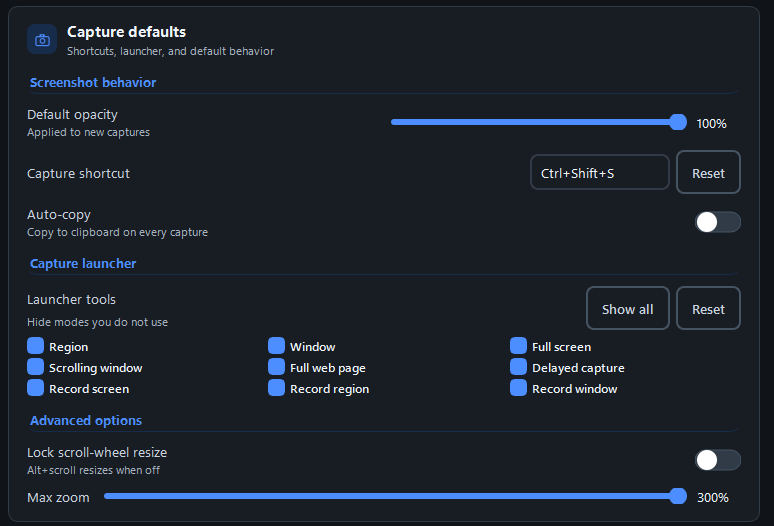
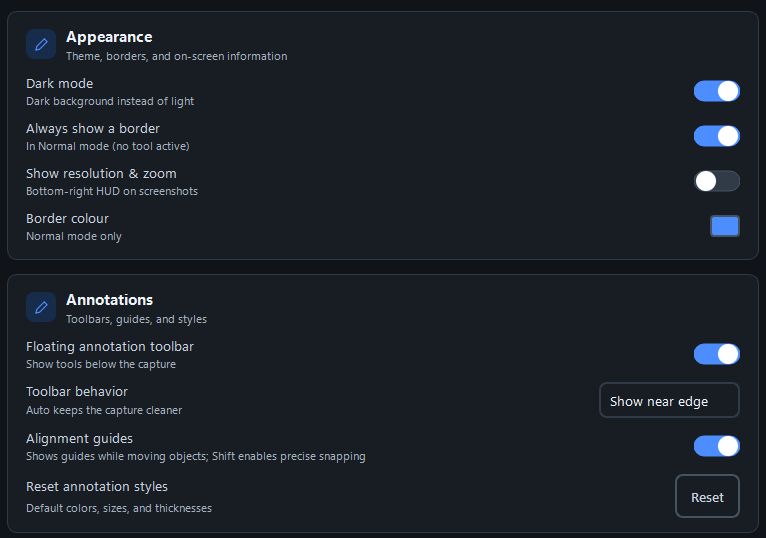
Pinaura is useful whenever information from YOUR screen needs to stay visible while you work somewhere else.
Screenshots, OCR text, thumbnails, and metadata stay on your computer so the library can search and display captures.
Content leaves your computer only when you choose to copy, export, open, or share it with another app or service.
A few useful things to know before making Pinaura part of your workflow.
Most screenshot tools make you juggle windows or open a clunky editor just to mark something up before sharing it. Pinaura puts each new screenshot in a lightweight floating window above your work, so you can annotate, compare, copy, or share it immediately without losing context.
No. Screenshots, recordings, OCR text, thumbnails, and metadata stay on your computer unless you explicitly choose to copy, export, open, or share them.
Take a screenshot or record a region, window, or your full screen. You can also capture scrolling windows and full web pages, and add microphone audio or a camera bubble to recordings.
Individuals can buy Pinaura once through Microsoft Store with no subscription. Organizations that need managed deployment, volume licensing, or enterprise support can contact us at info@pinaura.app.

Capture, pin, annotate, and record. One purchase.
One-time purchase. No subscription.
Includes screenshot capture, pinning, annotations, text extraction, the local library, and screen recording.
Price and availability vary by region. Microsoft Store shows your final price.
Need deployment details, procurement help, privacy review, or team rollout support? Contact us and we will help you evaluate Pinaura.